Every agency wants to know how to automate client reports. Most of them have already Googled it. Consequently, they find a listicle of tools, spend forty minutes comparing pricing pages, pick one that looks fine, and then discover it doesn’t actually connect to all their data sources. Sound familiar?
Let’s skip that loop.
Furthermore, I’ve spent 22 years building the underlying infrastructure that makes automated client reports actually work — the API connections, the data normalisation layer, the rendering pipeline, the delivery scheduling. Specifically, I built RaiseReturn because every existing solution I found handled one or two of those pieces well and left the rest to manual effort. Therefore, this guide covers the whole thing — from why manual reporting breaks to exactly how automation fixes every layer of the problem.
Why Manual Client Reporting Always Eventually Breaks
Specifically, manual reporting has four failure points. Furthermore, each one compounds the others. Therefore, understanding them is the fastest way to see why a partial fix doesn’t work.
The data pull problem. GA4’s interface changes without warning. Meta Business Suite requires re-authentication roughly every 60 days per account. Google Ads exports default to date ranges that aren’t what you actually wanted. Consequently, pulling accurate data from four platforms manually for ten clients takes somewhere between two and four hours every month — per account manager.
The formatting problem. Raw exports look terrible. Furthermore, they need resizing, recolouring, brand application, and chart rebuilding. Moreover, none of that work requires expertise — it just requires time. Consequently, your most expensive people spend hours doing work any competent piece of software could handle in seconds.
“I once clocked myself doing a full manual reporting cycle for one client — GA4, Google Ads, Meta, Search Console combined, formatted in slides. Four hours and eleven minutes. Furthermore, that was me, someone who built the software that now does it automatically. Consequently, I understood exactly what we were solving when we built RaiseReturn.”
Step 1 — Connect the Data Sources via API
Specifically, the foundation of any automated client reporting system is reliable API connections. Furthermore, you need five of them to cover the main channels most marketing agencies manage.
Google Analytics Data API (GA4)
Pulls sessions, conversions, revenue, and channel breakdown. Requires OAuth 2.0 per property. Furthermore, the runReport endpoint handles most use cases cleanly.
OAuth 2.0 requiredGoogle Ads API
Pulls spend, impressions, clicks, conversions, and ROAS. However, it requires a developer token — which Google approves separately from OAuth. Consequently, this is the slowest of the five to get live.
Developer token neededMeta Marketing API
Pulls spend, reach, results, CPL, and ROAS across Facebook and Instagram. Furthermore, tokens expire every 60 days by default — so build automatic refresh into your auth layer from day one.
Token refresh criticalGoogle Search Console API
Pulls clicks, impressions, CTR, and average position by query and page. Specifically, use the searchAnalytics.query method with site: verification already confirmed for the client domain.
Site verification requiredSpecifically, each API uses OAuth 2.0 — which means you authenticate once per client account, store the refresh token securely, and your system handles re-authentication automatically when access tokens expire. Furthermore, this is where most DIY automations break. Consequently, token management at scale across dozens of client accounts requires a proper secrets management layer, not just a spreadsheet of credentials.
Step 2 — Normalise the Data Into a Consistent Structure
Here’s where most DIY automation falls apart. Specifically, each platform returns data in a completely different shape. Furthermore, GA4 calls it “sessions” while Google Ads calls similar concepts “visits” — and Meta calls nothing the same as anyone else. Consequently, you need a normalisation layer that translates every platform’s output into a consistent internal schema before you touch the report template.
A proper automated report pipeline normalises data from five different platforms into one consistent structure before building the report output.
Furthermore, this schema works as the single source of truth for everything downstream — the report template, the AI summary generator, and the delivery scheduler all read from it. Therefore, if a platform API fails during a pull, the system flags it at this layer rather than silently generating a report with missing data.
Step 3 — Generate the Narrative With AI
Raw data without context is just noise. Consequently, the narrative layer is what transforms a data dump into an actual client report. Furthermore, this is where AI earns its place in the pipeline.
Specifically, the AI reads the normalised data schema, identifies the notable movements — things that changed more than a threshold percentage, metrics that beat or missed targets, channels that significantly outperformed or underperformed — and writes a plain-English explanation of each.
Specifically, the same approach generates summaries for each channel section — a paragraph for GA4, one for Google Ads, one for Meta. Furthermore, the account manager reviews and edits these before delivery. Moreover, they’re not replacing human judgment — they’re replacing the blank-page problem that burns time when someone sits down to write four summaries from scratch at 10 PM.
“The AI doesn’t write the report. It writes the first draft. The account manager still adds the strategic layer — they just skip the four hours of staring at a blank paragraph.”
Step 4 — Render the Report With Consistent Branding
Specifically, the rendering layer takes the normalised data and the AI summaries and builds the actual PDF or Google Sheets output. Furthermore, this is where branding lives — logo, colours, fonts, section headers, cover page.
Consequently, every report your agency sends looks like it was built specifically for that client, by that agency. Moreover, there’s no visible trace of the underlying tool — no watermarks, no platform footers, no generic template headers. Therefore, clients associate the quality of the report entirely with your agency, which is exactly where that association belongs.
Specifically, white-label rendering means configuring a template engine — we use a combination of server-side rendering and PDF generation — that accepts dynamic values from the data schema and applies them inside a locked brand structure. Furthermore, the account manager sets brand variables once per client: logo URL, primary colour, secondary colour, and font choice. Consequently, every subsequent report inherits those settings automatically without any production work.
Step 5 — Schedule and Deliver Automatically
Specifically, this is the step that most agencies underestimate. Furthermore, generating a report is not the same as delivering it reliably. Therefore, the delivery layer needs to handle three things independently.
Scheduled generation — not manual triggers
Specifically, the report generation should fire on a cron schedule, not when someone remembers to click a button. Furthermore, you set the schedule once — “first of every month at 7 AM” — and the system handles everything after that automatically.
Pre-delivery human review window
Specifically, build a 24-hour review window between generation and delivery. Furthermore, the account manager receives a notification, opens the draft, reviews the AI summaries, makes any adjustments, and approves. Consequently, clients receive a human-reviewed report — not a raw machine output.
Multi-format delivery
Specifically, some clients want a PDF attachment. Furthermore, others want a Google Sheets link they can dig into themselves. Moreover, some want both. Therefore, the delivery layer should support all three without requiring the account manager to rebuild anything.
What this looks like in practice with RaiseReturn: You connect a client’s accounts once. You configure the template and delivery schedule. After that, a draft report lands in your review queue on the 29th of every month. You review it in 15 minutes, click approve, and the client receives a polished, branded report on the 1st — without anyone manually pulling a single piece of data.
The Failure Points DIY Automations Always Hit
Specifically, I’ve watched dozens of agencies try to build this pipeline themselves before eventually using RaiseReturn. Furthermore, they almost always hit the same three walls in the same order.
OAuth token management at scale
Specifically, managing refresh tokens for one client account is straightforward. However, managing them for 20 or 30 clients across five platforms, where each token has a different expiry cycle and different failure modes, requires a proper secrets vault and retry logic that most in-house builds underinvest in. Consequently, reports start silently failing — generating with missing data — and nobody notices until a client asks why their Meta numbers aren’t in this month’s report.
API rate limits hitting unexpectedly
Furthermore, Google Ads has a daily operations quota. Meta’s Marketing API rate limits per app per hour. Specifically, when you run 20 client reports simultaneously — all pulling from the same app credentials — you hit those limits fast. Therefore, a proper automation layer needs exponential backoff, request queuing, and retry logic built in from the start, not bolted on after the first rate limit panic.
The data schema drifts
Specifically, Meta renamed several API fields in 2024. GA4 deprecated a metric that a lot of reports relied on. Consequently, DIY pipelines that hardcoded those field names started returning null values — silently — until someone noticed the zeros in the report. Therefore, building a maintenance layer into any automated client reporting system isn’t optional. It’s the hidden ongoing cost that most agencies underestimate.
The build-vs-buy calculation: Specifically, building a robust automated client reporting pipeline from scratch takes an experienced developer roughly three to four months of full-time work. Furthermore, maintaining it across API changes, platform deprecations, and new client requirements adds another two to four hours per week indefinitely. Therefore, the build-vs-buy case for a purpose-built tool like RaiseReturn typically resolves in favour of the tool within the first six months — and that’s before counting the developer’s opportunity cost.
How RaiseReturn Handles Every Layer
Specifically, we built RaiseReturn because we got tired of watching agencies solve the same pipeline problems from scratch — badly. Furthermore, every component described in this guide — OAuth management, data normalisation, AI summaries, branded rendering, scheduled delivery — runs inside RaiseReturn already.
Consequently, the agency’s setup process looks like this:
- Connect client accounts via guided OAuth flows — GA4, Google Ads, Meta Ads, Search Console, PageSpeed
- Upload your agency logo and set brand colours — done once, inherited by every report
- Configure which sections to include per client — not every client needs every channel
- Set your delivery schedule — “first of the month, 7 AM, PDF to this email address”
- Review the AI-written draft on the 29th — 10 to 15 minutes per client
- Approve and the report lands in the client’s inbox automatically
Furthermore, no code required. No developer on retainer. Moreover, no maintenance overhead when Meta changes an API field, because we handle that at the infrastructure layer. Consequently, your account managers spend 15 minutes reviewing instead of five hours producing.
Stop building this yourself
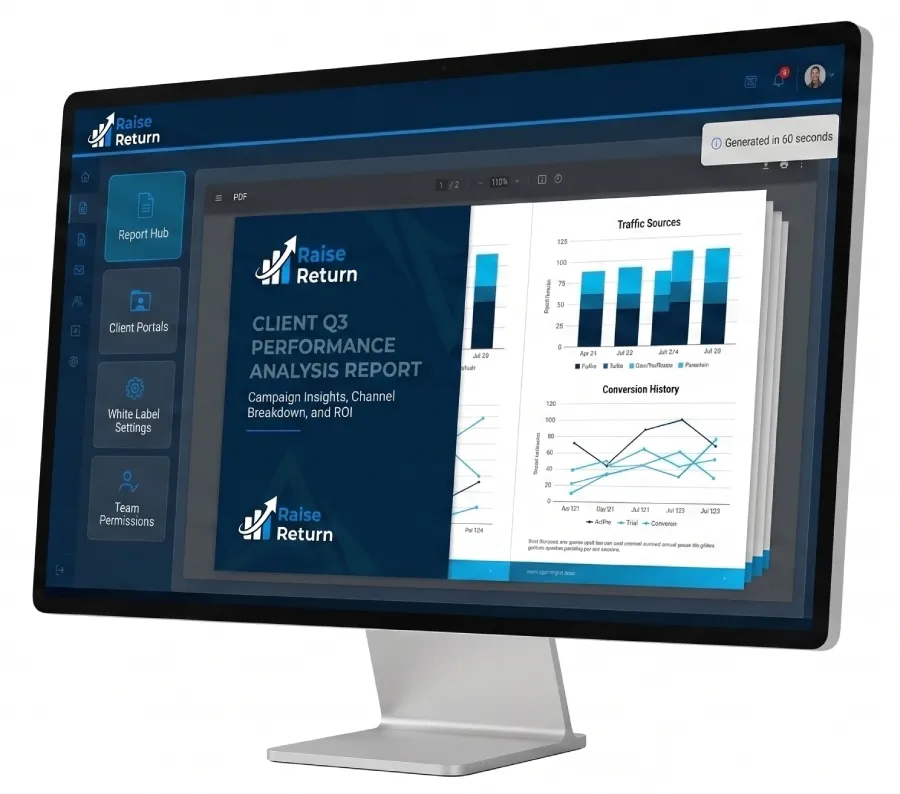
RaiseReturn handles every layer — OAuth connections, data normalisation, AI summaries, branded PDF rendering, and scheduled delivery — in under 60 seconds per client. First 30 days completely free, no card required.
Start Your Free Trial →Frequently Asked Questions About Automating Client Reports
Specifically, automating client reports isn’t magic. Furthermore, it’s five clearly defined engineering problems — API connections, data normalisation, AI narrative generation, branded rendering, and scheduled delivery. Therefore, each layer has a solution. Moreover, you can build each one yourself or use a platform that has already solved them.
Either way, the manual alternative gets more expensive every month you wait.